Model Context Protocol (MCP) in production: how we connect AI agents to real company databases and CRMs
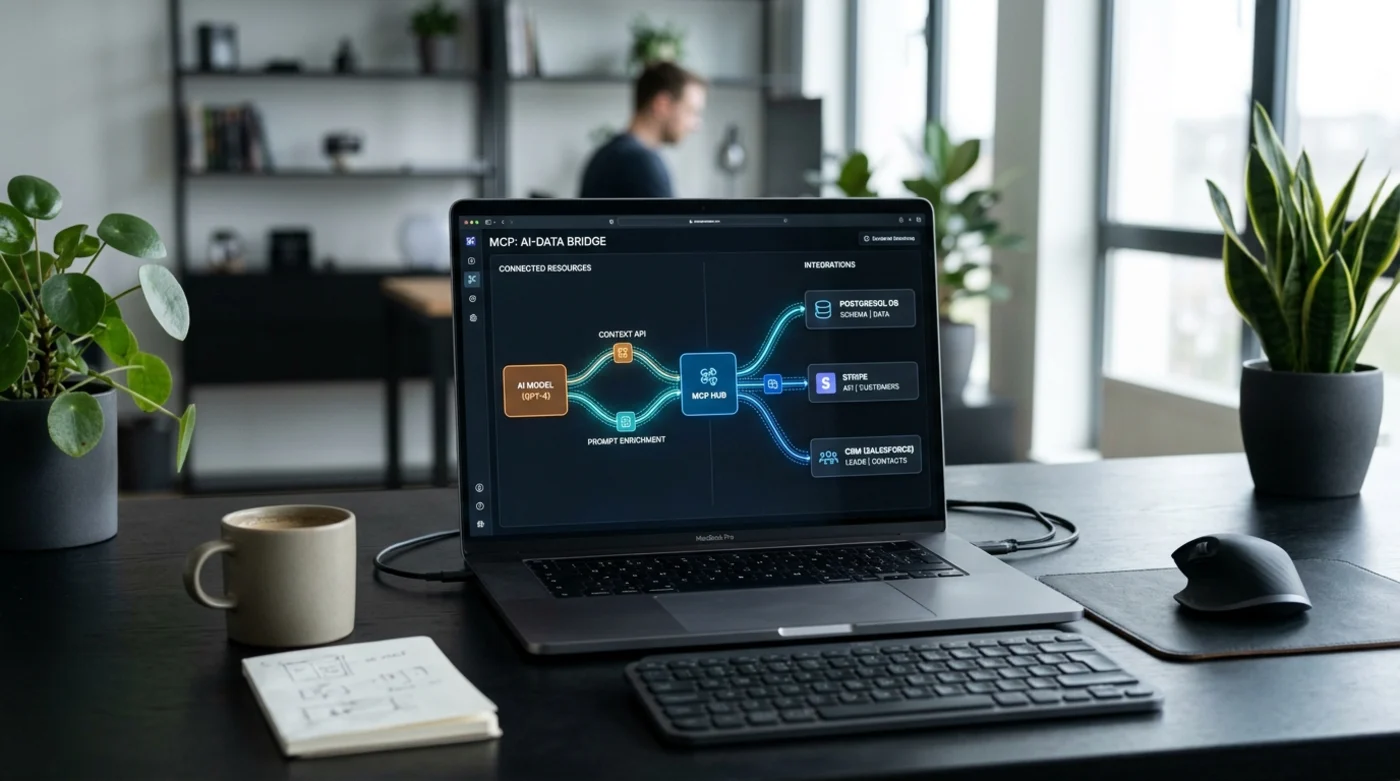
Every team building AI assistants runs into the same integration wall around month two. Connecting an LLM to one REST endpoint is easy. Connecting Claude, OpenAI, internal support tools, Stripe billing, HubSpot or GoHighLevel pipelines, and a live PostgreSQL database—while enforcing who is allowed to read or modify what—quickly turns into a maze of fragile glue code.
That is why Model Context Protocol (MCP) has become one of the fastest-growing standards in production AI engineering. Instead of writing bespoke function-calling wrappers for every model provider and every client app, MCP lets you expose internal tools and data sources once behind a clean, typed server boundary.
If you want a quick primer on the protocol spec, start with our Model Context Protocol (MCP) glossary guide and our breakdown of AI Agents & Agentic Workflows.
Why brittle LLM tool wrappers slow teams down
Without a standardized tool layer, three things happen almost immediately as your AI roadmap grows:
- Duplicated integration logic: Your IDE copilots, internal Slack bot, and customer-facing support agent each end up maintaining separate wrappers for the same CRM or database endpoints.
- Over-privileged API keys: Teams drop a single admin token into an environment variable so the agent "just works," creating massive security exposure the moment an enterprise buyer asks about SOC 2 compliance.
- Vendor lock-in: Swapping models—say, routing simple triage to a faster model while keeping complex reasoning on Claude or GPT—forces a rewrite of tool schemas and error-handling logic.
Have a question about this article — or your own project?
Ask us anything about the approach above, or tell us what you're building. You'll hear back from an engineer, not a sales script.